At RE/MAX Hallmark, printing goes through a PaperCut print queue. It gives you three things:
- Print anywhere: send a job once, then release it at any Hallmark printer.
- Accountability: printing is tracked per person, so supplies like toner and paper are accounted for.
- Security: everyone prints under their own account, so documents don't sit on the printer for anyone to pick up.
Already see a green printer icon next to the clock? PaperCut is installed, so skip to 2. Sign in and add the printers.
¶ 1. Install PaperCut Print Deploy
Download the installer for your computer. The links only work in the office.
-
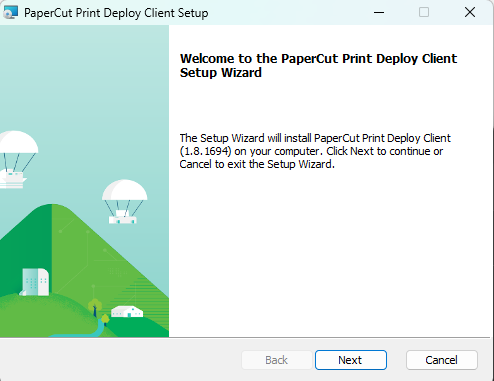
Open the downloaded PC Print Deploy installer and click Next.
-
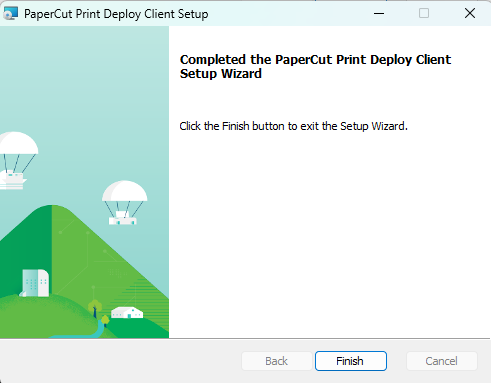
When the installation finishes, click Finish.
¶ 2. Sign in and add the printers
-
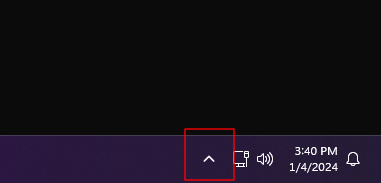
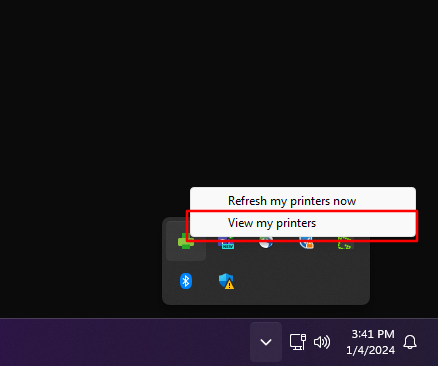
Click the ^ arrow next to the clock, in the lower-right corner of the screen, to show hidden icons.
-
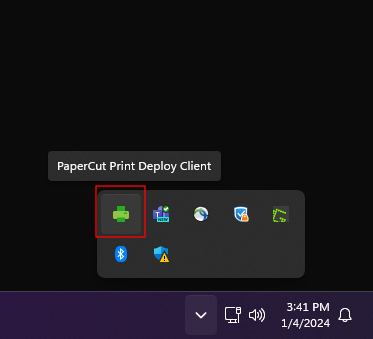
Right-click the green printer icon (PaperCut Print Deploy).
-
Choose View my printers.
-
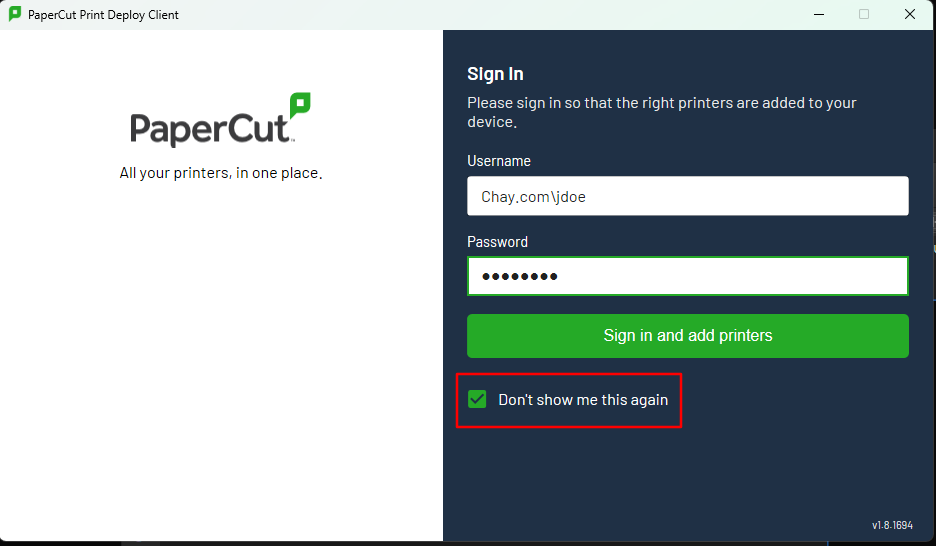
Enter your username. It must start with
bizfitsolutions\, for example:bizfitsolutions\JDoeUse the same username and password as a Bullpen or Client Room computer. Reception and the office admins have the list. Setting up printers for an Agent Administrator? Use the Team Leader's / Agent's login instead.
-
Enter your password and tick Don't show me this again.
-
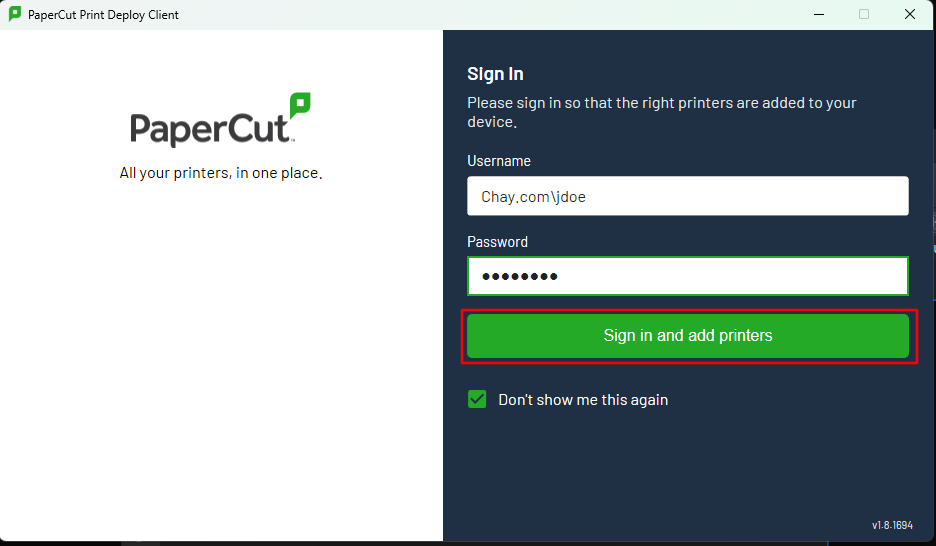
Click Sign in and add printers.
-
Wait a moment while the printers install automatically, then close the window.
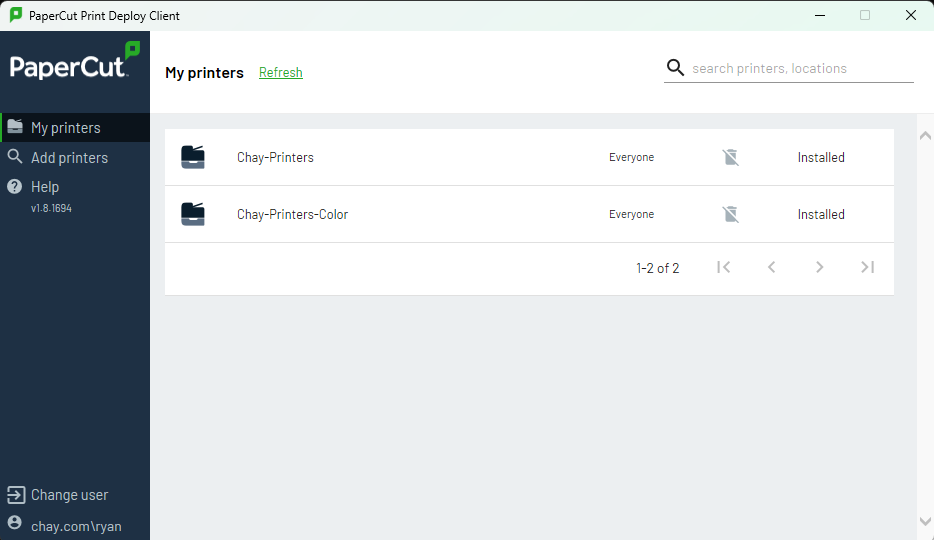
Printers default to 2-sided printing. Change it in the print window if you need single-sided.
¶ Something not working?
- The download buttons don't work. You need to be in the office, on the Hallmark network.
- Sign-in fails. Check that the username starts with
bizfitsolutions\and has no spaces. - There's no green printer icon. Restart the computer. The PaperCut client starts automatically when you sign in.
- Still stuck? Contact reception or your office admin.