At RE/MAX Hallmark, printing goes through a PaperCut print queue. It gives you three things:
- Print anywhere: send a job once, then release it at any Hallmark printer.
- Accountability: printing is tracked per person, so supplies like toner and paper are accounted for.
- Security: everyone prints under their own account, so documents don't sit on the printer for anyone to pick up.
On a Mac, the printers are installed with PaperCut Mobility Print.
¶ 1. Install Mobility Print
The link only works in the office.
-
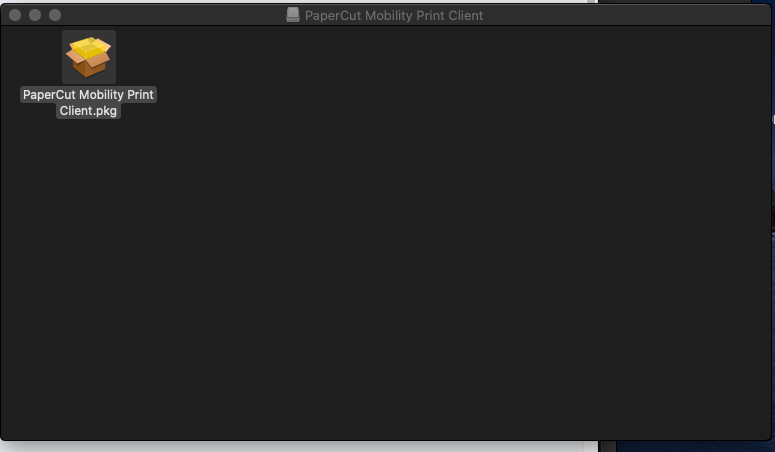
Open the downloaded file, then open PaperCut Mobility Print Client.pkg.
-
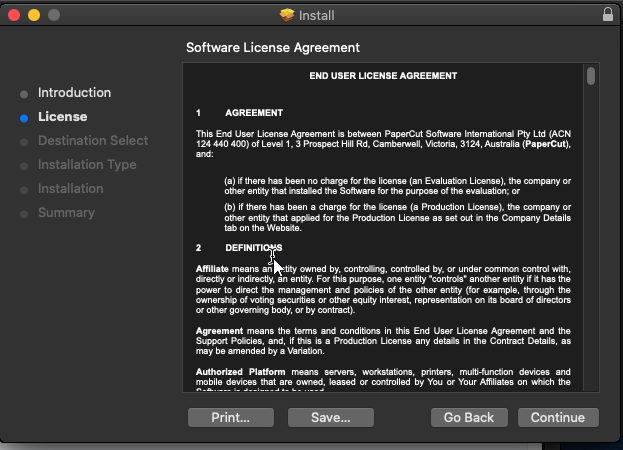
Click Continue.
-
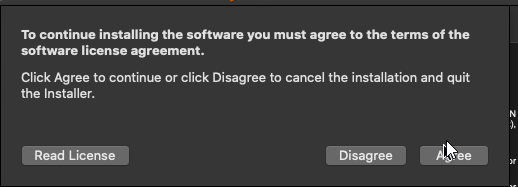
Click Agree to accept the licence.
-
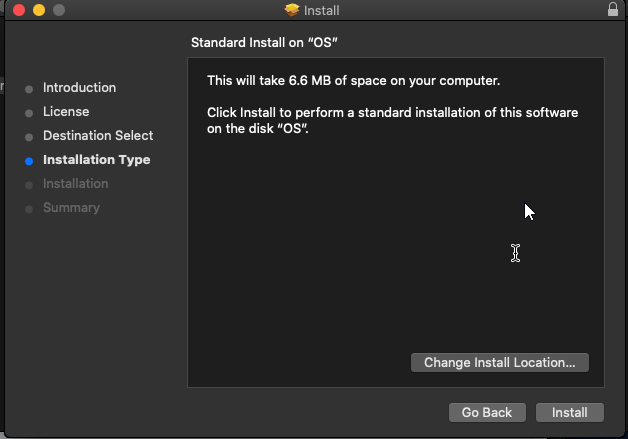
Click Install.
-
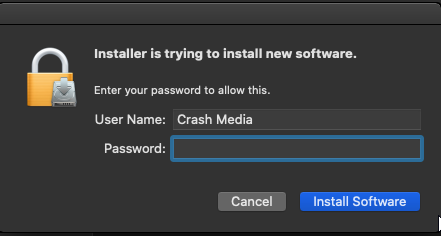
Enter your Mac password and click Install Software.
-
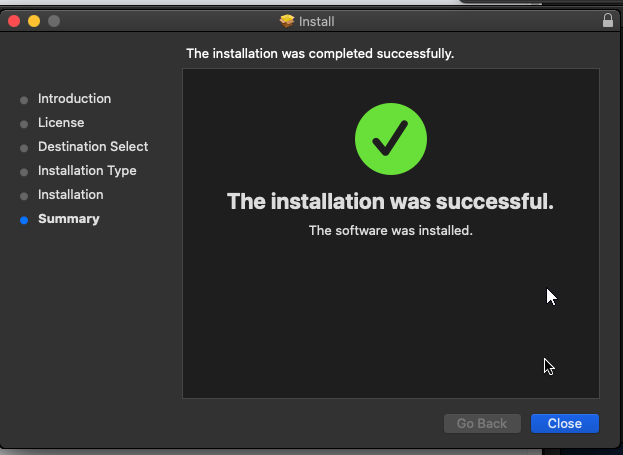
When the installation finishes, close the window and click Move to Trash to delete the installer.
¶ 2. Sign in on your first print
The printers are installed, but they won't work until you sign in once.
-
Print anything, such as a test page from any document. A sign-in window appears.
-
Clear whatever is already in the Name box, then enter your username. It must start with
bizfitsolutions\, for example:bizfitsolutions\JDoeUse the same username and password as a Bullpen or Client Room computer. You received them during onboarding. Setting up printers for an Agent Administrator? Use the Team Leader's login instead.
-
Enter your password, but don't press Enter yet.
-
Tick Remember this password in my keychain, then click OK.
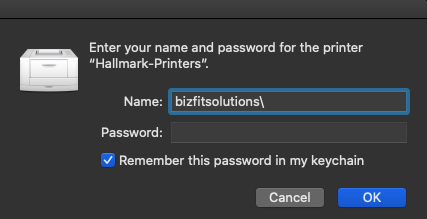
Don't skip the keychain box. If it isn't ticked, your Mac will ask for your password on every print.
Printers default to 2-sided printing. To change it, go to Layout → Two-Sided in the print window.
¶ Something not working?
- The download button doesn't work. You need to be in the office, on the Hallmark network.
- It keeps asking for a password. Open Keychain Access, delete the saved PaperCut entry, then print again and tick Remember this password.
- Jobs sit in the queue. Check that the username starts with
bizfitsolutions\. - Still stuck? Contact reception or your office admin.